
KonxPos
A register that keeps selling when the internet goes down.
KonxPos takes payment, prints the receipt and counts stock on every register, even offline. When the network returns, everything syncs with nothing lost and nothing duplicated. Multiple currencies, mobile money, several stores, and your books kept up to date.
Open KonxPos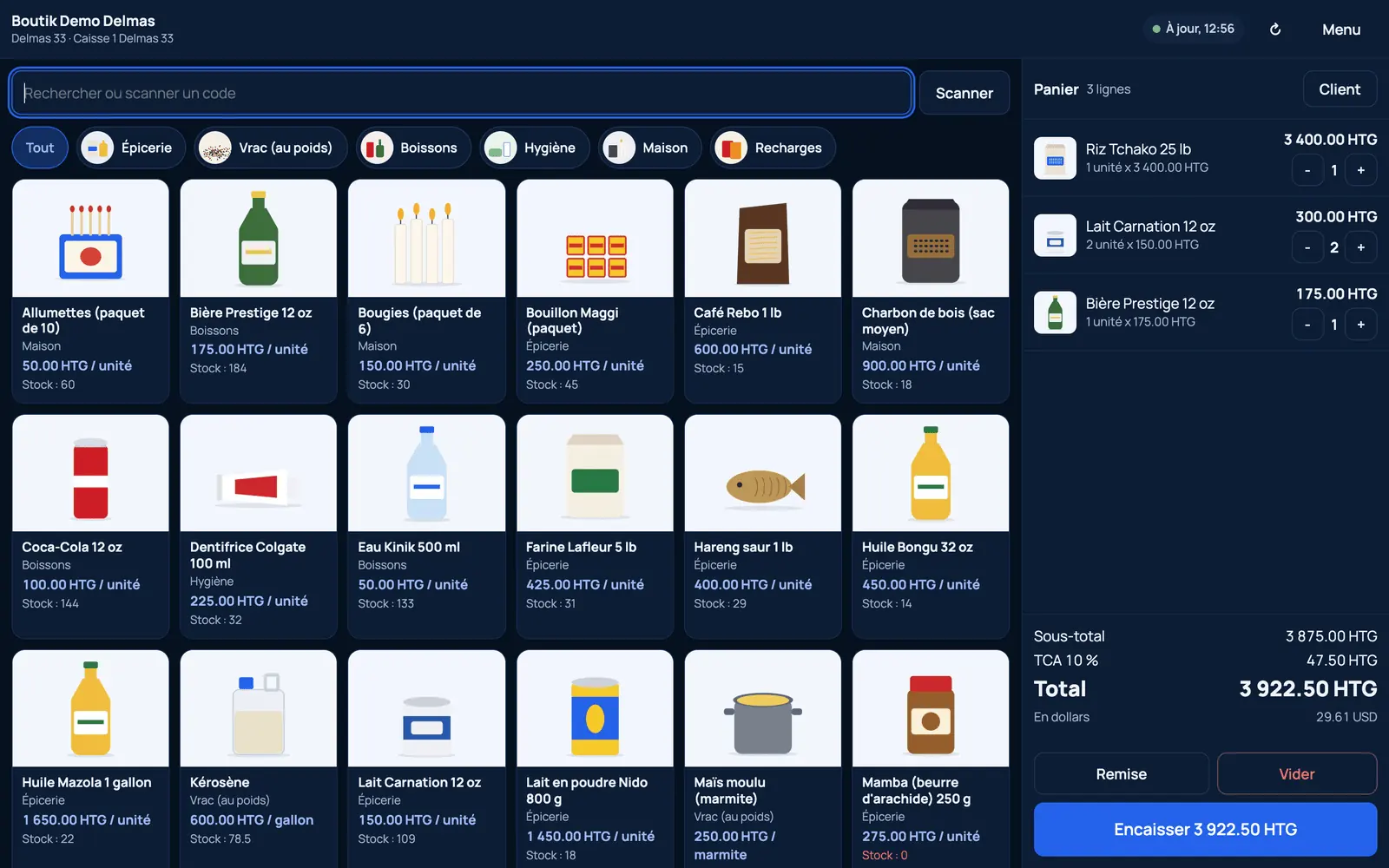
Sell, manage, analyze.
Point of sale
Sell by scan, search or button, discounts, returns, held sales, split payments, register opening and closing.
Inventory
Items and variants, barcodes, several stores and warehouses, transfers, lots and expiry dates, reorder alerts.
Purchasing and customers
Suppliers, purchase orders, receiving; customer records, credit with limits and reminders, loyalty.
Parcels
Intake, statuses, offline scanning, delivery and payment on handover.
Finance and reports
Ledger, cash position by payment method, expenses, margins, best sellers, slow-moving stock.
Printing
58 and 80 mm receipts, price and barcode labels, PDF invoices and delivery notes.
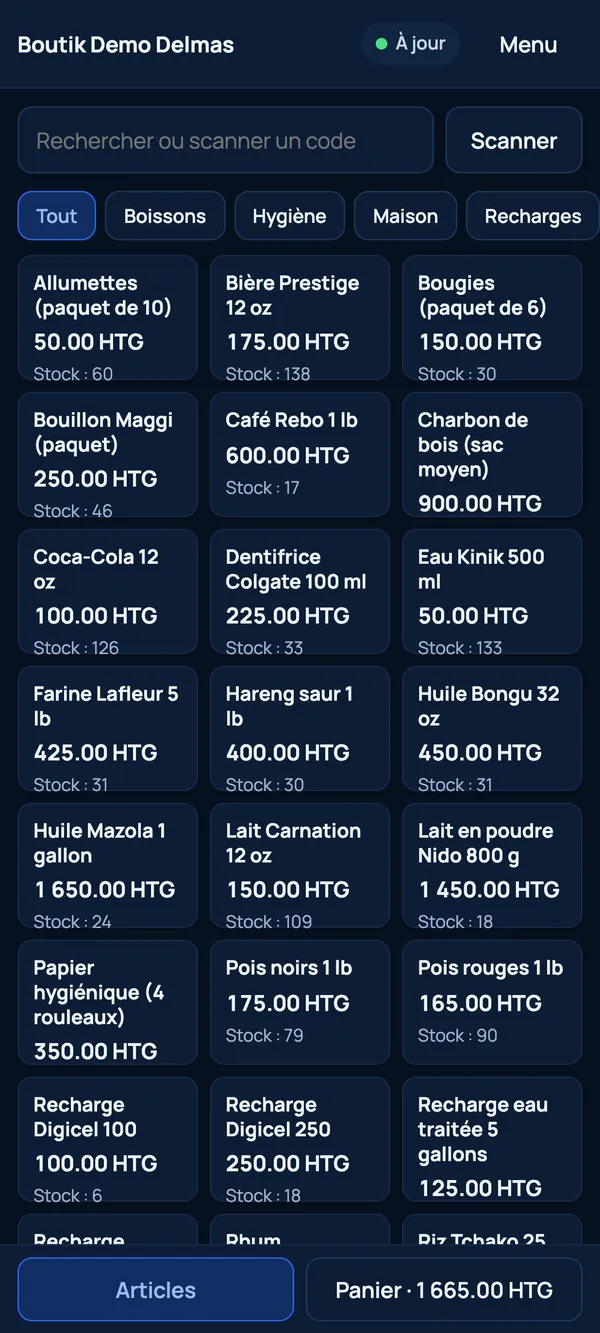
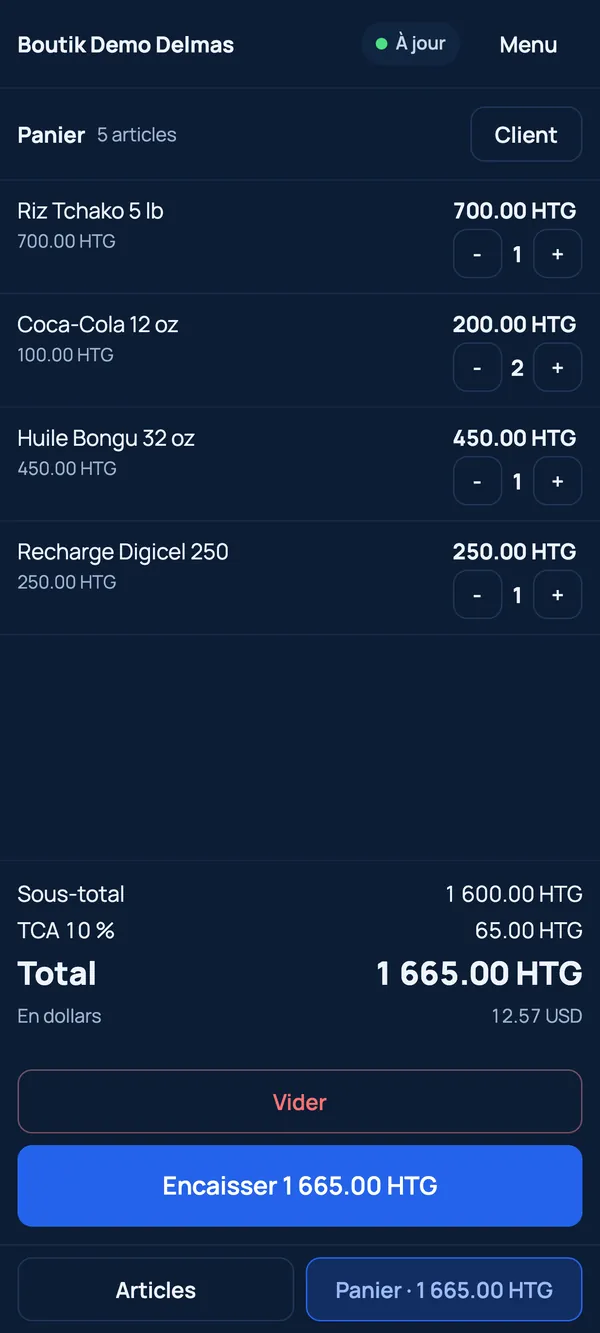
Fast, intuitive checkout.
A simple till on a terminal, a tablet or a phone: search, scan, discounts, split payment and printed receipts.
- Offline first, synced later
- Inventory across several stores
- Receipts, parcels and finance
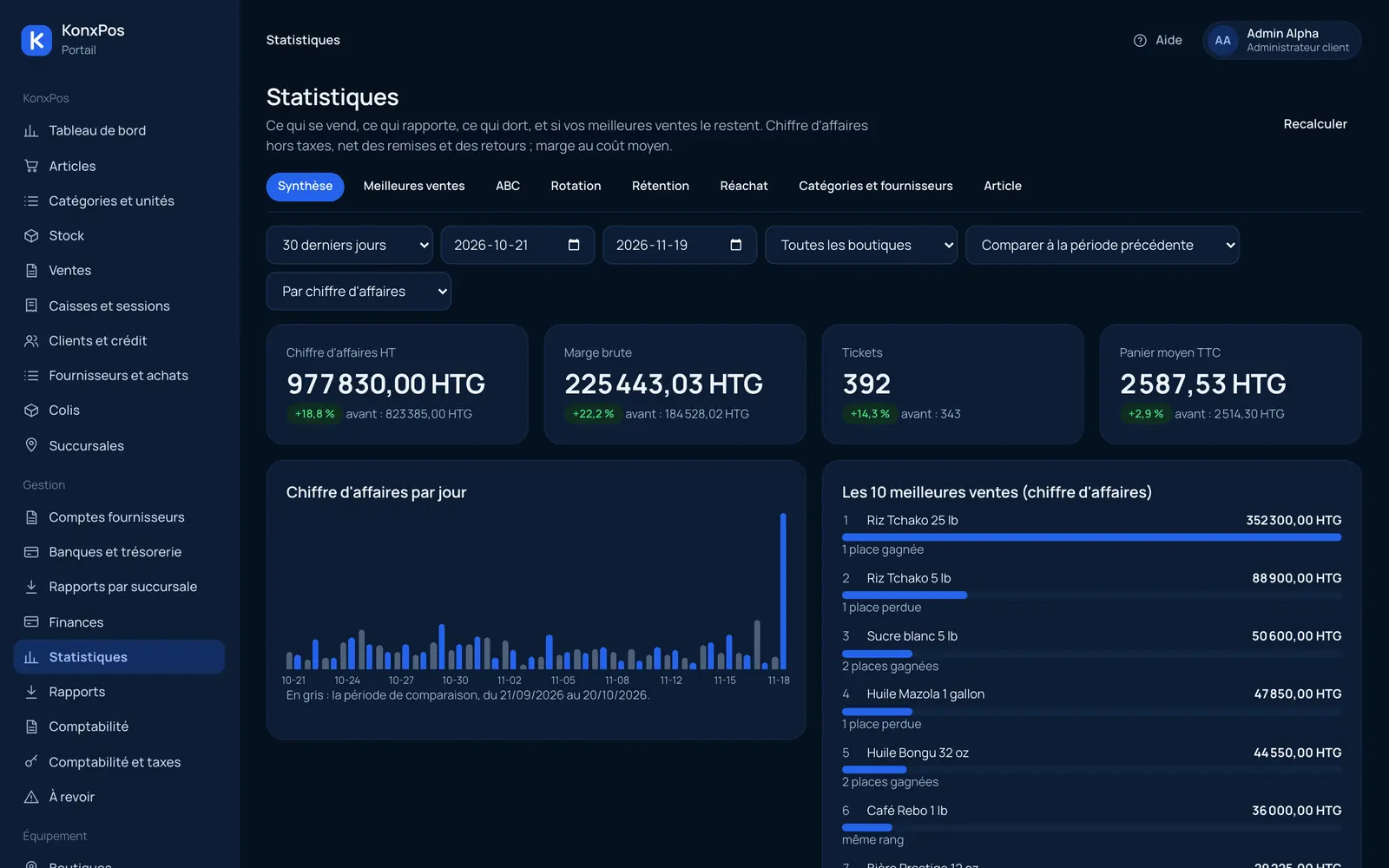
A complete view of your business.
Revenue, margin, average basket and best sellers: follow your business store by store and compare it with the previous period.
For every kind of store.
From a small shop to a chain of stores, KonxPos follows the way you sell.
Shops and supermarkets
Fast checkout, accurate stock and clean receipts.
Businesses with several stores
Stock per store and per warehouse, transfers, and a complete view at the office.
Pharmacies and hardware stores
Lots, expiry dates, variants and barcodes.
Parcel agencies
Intake, status tracking, offline scanning and payment on delivery.
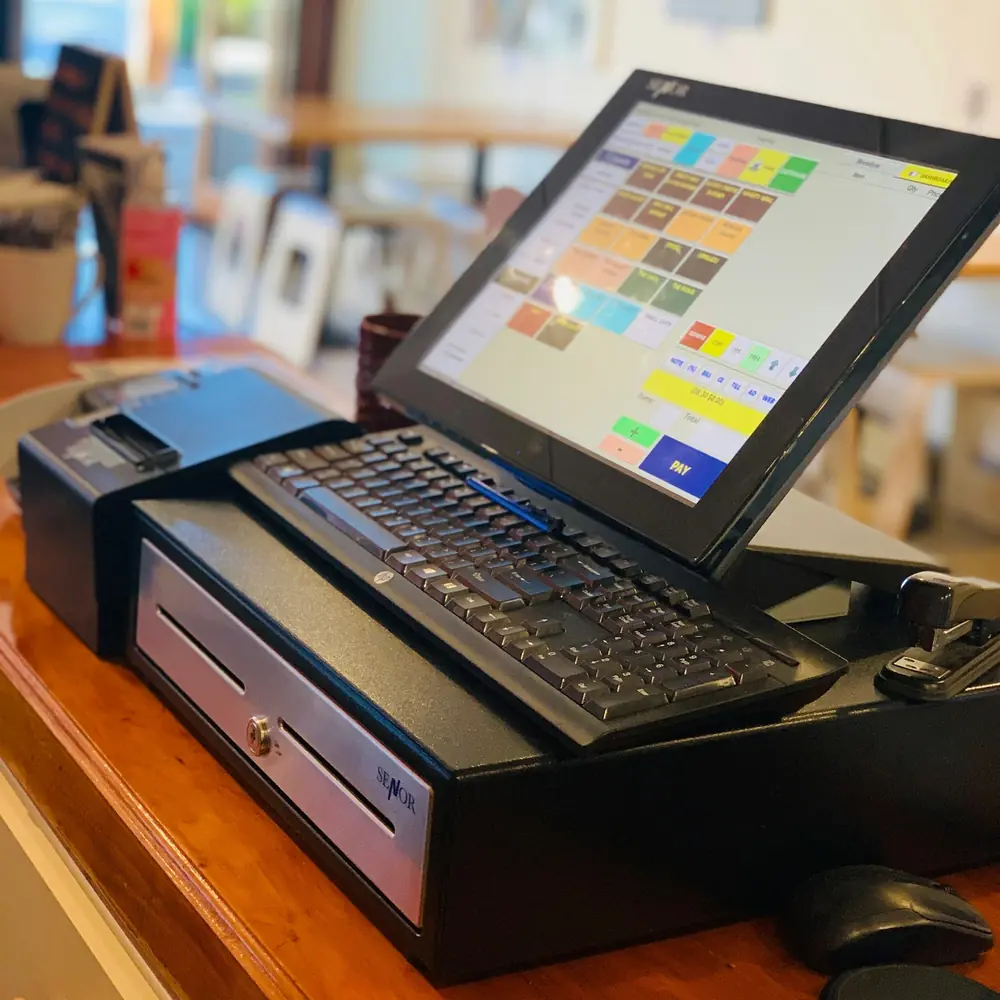
Hardware
From an all-in-one terminal to a simple phone, depending on the size of the business.
- Android POS terminal
Sunmi and similar: built-in printer and barcode scanner, battery and SIM card, a complete register in one device.
- Tablet or phone with a Bluetooth printer
The lightest setup for a small shop, with a 58 mm printer.
- Scanner and the manager's phone
A USB or Bluetooth barcode scanner with nothing to install, and stock counts using the phone's camera.
How it works
Each register works on its own
POS terminal, tablet or phone: each keeps its own database and sells without waiting for the network.
Every sale is an event
It stays on the register until the server confirms it was received. Nothing is lost, nothing is doubled.
Registers sync up
When the network returns, each register sends its sales and receives those from the other stores.
The office sees everything
Consolidated reports, stock for every store, finance and an export for your accountant.
Frequently asked questions
Can I really sell without internet?
Yes. Every register sells, takes payment, prints the receipt and counts stock offline. It syncs when the network returns, with nothing lost and nothing duplicated.
What if two registers sell the same item offline?
Both sales count. Stock is the sum of movements, and if it goes negative, the manager is alerted instead of the sale being blocked.
How does mobile money work offline?
The sale is recorded with the payment pending confirmation, and the confirmation happens at sync.
What hardware do I need?
An Android POS terminal with a built-in printer, or a tablet or phone with a Bluetooth printer. A barcode scanner is optional.
Do receipts follow tax rules?
Receipt details and taxes are configurable. They are checked with an accountant before each go-live.